
The TSA Says Travelers Keep Making These Two Mistakes
By Tommy Pags | Pags on the Go
The TSA recently warned travelers about two common airport habits that could expose your personal information. Here’s what they are and how to avoid them.
If you travel regularly, you’ve probably done both of these things without thinking twice.
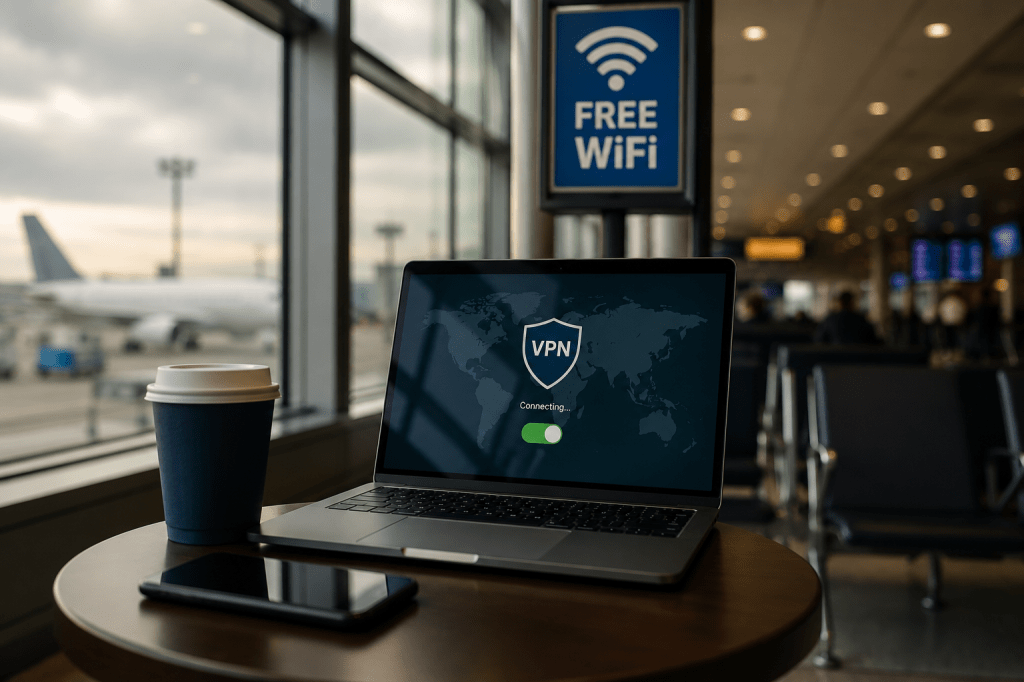
You’re waiting at the gate. Your phone is down to 12%. You spot a free USB charging station and plug in. Or maybe your flight is delayed, so you connect to the airport’s free Wi-Fi to catch up on emails, check your bank account, or book a hotel.
They’re common habits, but according to the TSA, they can also expose you to unnecessary cybersecurity risks. As someone who spends a significant amount of time in airports every year, I’ve developed a few habits that help me stay connected without putting my personal information at risk.
Mistake #1: Connecting to Free Public Wi-Fi
Airport Wi-Fi is convenient, but convenience isn’t always secure.
Even when the network is legitimate, public Wi-Fi is shared by hundreds or even thousands of people. That creates opportunities for cybercriminals to intercept data, monitor traffic, or trick travelers into joining fake networks that look almost identical to the real thing.
The biggest mistake isn’t simply connecting to Wi-Fi. It’s what many people do after they’re connected.
Checking your bank account.
Logging into work systems.
Making online purchases.
Entering passwords.
Those are the activities that can create problems if you’re on an unsecured network.
What I Do Instead
Most of the time, I don’t use airport Wi-Fi at all.
Modern cellular networks are fast enough for almost everything I need while traveling. If I’m answering emails, checking flight information, or uploading content, I simply use my phone’s data connection.
If I absolutely need Wi-Fi because my cellular signal is weak or I’m downloading something large, I use a VPN. A Virtual Private Network encrypts your internet traffic, making it much more difficult for someone else on the network to see what you’re doing.
It’s one of those travel tools you hope you never need, but you’ll be glad you have.
Mistake #2: Charging Your Phone Through Public USB Ports
This one surprises a lot of travelers.
USB cables don’t just transfer power. They also transfer data.
That’s why cybersecurity experts have warned for years about something called “juice jacking.” In theory, a compromised USB charging station could attempt to access data on your device or install malicious software.
The risk isn’t necessarily that every airport USB port is dangerous.
The risk is that you don’t know which ones are.
My Recommendation
I never plug directly into a public USB port.
Instead, I carry:
- A portable battery pack
- My own charging brick
- A standard wall charger
If there’s an electrical outlet available, I’ll use that every time.
Another inexpensive option is a USB data blocker. It allows power to flow while physically preventing any data transfer between your device and the charging port.
They’re small enough to leave in your travel bag permanently.
Airports Are Targets Too
Cybersecurity isn’t just about protecting your phone.
Airports themselves have become attractive targets for hackers because they manage enormous amounts of sensitive information and critical infrastructure.
Recent cyberattacks have disrupted airport operations and delayed travelers, reminding us that digital security has become just as important as physical security.
While airports continue investing heavily in cybersecurity, travelers still have a role to play in protecting themselves.
My Airport Technology Checklist
Before every trip, I make sure I have:
✔ A fully charged portable battery pack
✔ My own wall charger
✔ Charging cables
✔ Cellular data enabled
✔ A VPN available if I need Wi-Fi
None of these items take up much room in a carry-on, but they can prevent a lot of frustration.
Final Thoughts
Travel is stressful enough without worrying about identity theft or compromised devices.
The good news is that staying safer doesn’t require expensive equipment or technical knowledge. It simply comes down to a few smart habits.
Skip the public Wi-Fi whenever you can.
Avoid plugging directly into public USB charging ports.
Bring the right accessories before you leave home.
They’re small changes, but they can make a big difference.
That’s what Pags on the Go is all about: practical travel advice that helps you spend less time worrying and more time enjoying the journey.
I spend a lot of time in airports every year, and I’ve learned that convenience isn’t always worth the risk. A few extra seconds of planning before your trip can save you from a much bigger headache later.
Travel smart.
Tommy Pags
Have a travel question or tip you’d like me to cover? Let me know. Safe travels, and I’ll see you at the airport.


Leave a Reply